Affinity Designer Resources
As part of Atticus’s Graphics Technology we are going to learn a new program, Affinity Design. Until now Atticus primarily draws using a program called Procreate which creates graphics in the bitmap format. We want to expand his skills into vector graphics and digital design.
Frankentoon Studio
Learn Affinity Designer, Affinity Photo and Procreate at home, for free and at your own pace! Whether you’re a professional or a beginner, there are tons of cool stuff to see for everyone. Link: Design School.
How To Create A Flat Vector Illustration In Affinity Designer
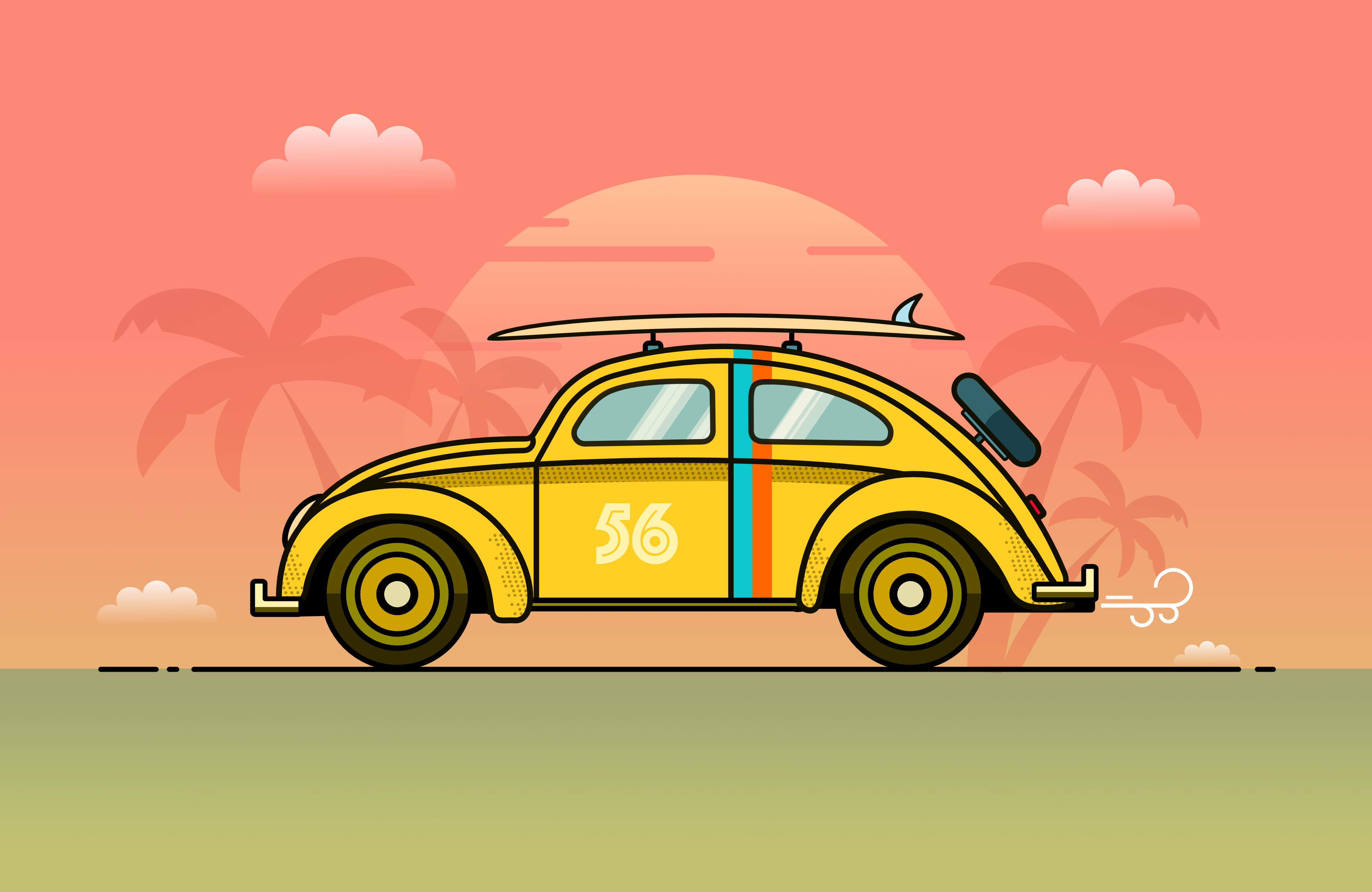
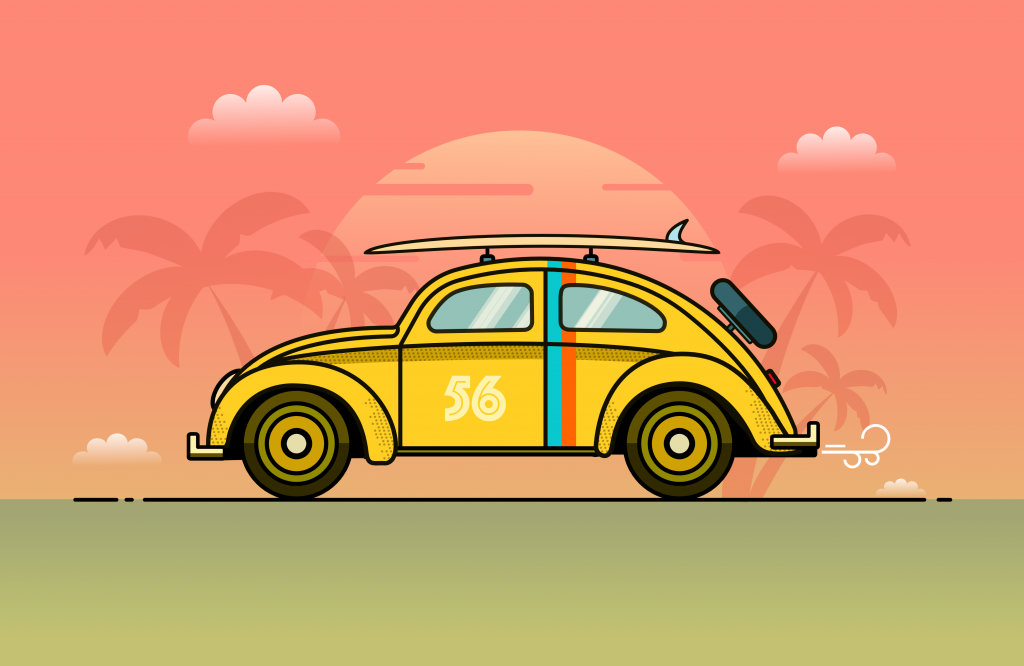
In this article, I would like to walk you through just some of its very user-friendly main tools and features as an introduction to the software and to show you how we can create a nice flat vector illustration of a Volkswagen Beetle. The illustration will scale up to whatever resolution and size needed because no bitmaps will be used.
Create a Simple Wallpaper
This tutorial will show you how to create beautiful wallpaper to use on your iPad device. The entire tutorial is based on the design process within an iPad using Affinity Designer. You’ll be doing this like creating vectors, and combining the said vectors with raster images and more.
The Complete Affinity Designer for iPad Course
Bought to you by Udemy, the course is AU$199.
What you’ll learn
- Take a complete piece of art from concept to finished export in Affinity Designer
- Create beautiful custom brushes for use in their own art
- Learn professional workflow techniques to maximize the work you do
- Create and sketch organically without having to open a laptop or be tethered to the desktop
- Create seamless textures using symbols and professional technique
- Create assets for use in mutliple applications, such as brushes and textures
- Be able to apply complex concepts like blend modes, masking layers and color theory
- Build a solid foundational portfolio by the end of the course
Affinity Designer: 10 Basics
This is the ultimate getting started video guide for Affinity Designer, with all the basics in one video. You’ll learn how to get started with a new document, use premade and custom shapes, work with colors, see how layers work, combine shapes, work with vectors and the vector brush and pen tools, add text to a file, and save and export. It’s all in an easy to follow video and you can get all this information in less than 20 minutes. Plus, the video host Jesse Showalter, has plenty of energy so this tutorial anything but boring.
Affinity Designer Basic Logo Design
Affinity Designer is a tool that allows you to work with vector or raster images. That means you can create logos that can be scaled for any use with the software. In this tutorial, you walk through all the steps to create a simple vector logo using tools in Affinity Designer.
How to Create an Icon in Affinity Designer
Icon design is something almost everyone comes across at some point. Affinity Designer is the perfect tool for creating all manner of icons. This tutorial takes you through the process step-by-step, and even includes some bonus information such as how to choose the right size when designing an icon and how to use various tools. Every step includes screenshots to make understanding easy.
How to Create a Set of Car Icons in Affinity Designer
In today’s tutorial, we’re going to take a close look at the process of creating a set of car icons in Affinity Designer, using nothing more than some basic geometric shapes that we will adjust here and there.
How to Create a Stylish Emoji in Affinity Designer
In today’s tutorial we are going to create three distinctive emoticons using Affinity Designer. Hope you are ready to have some fun!